
Spelling Training Guide: Audio Dictation, Turtle Voice Mode & 2-Player Battles
Master weekly spelling lists with editable 10–30 word rows, Words Wizard difficulty filters, Turtle slow pronunciation, QWERTY dictation tests, and 2-player duels.
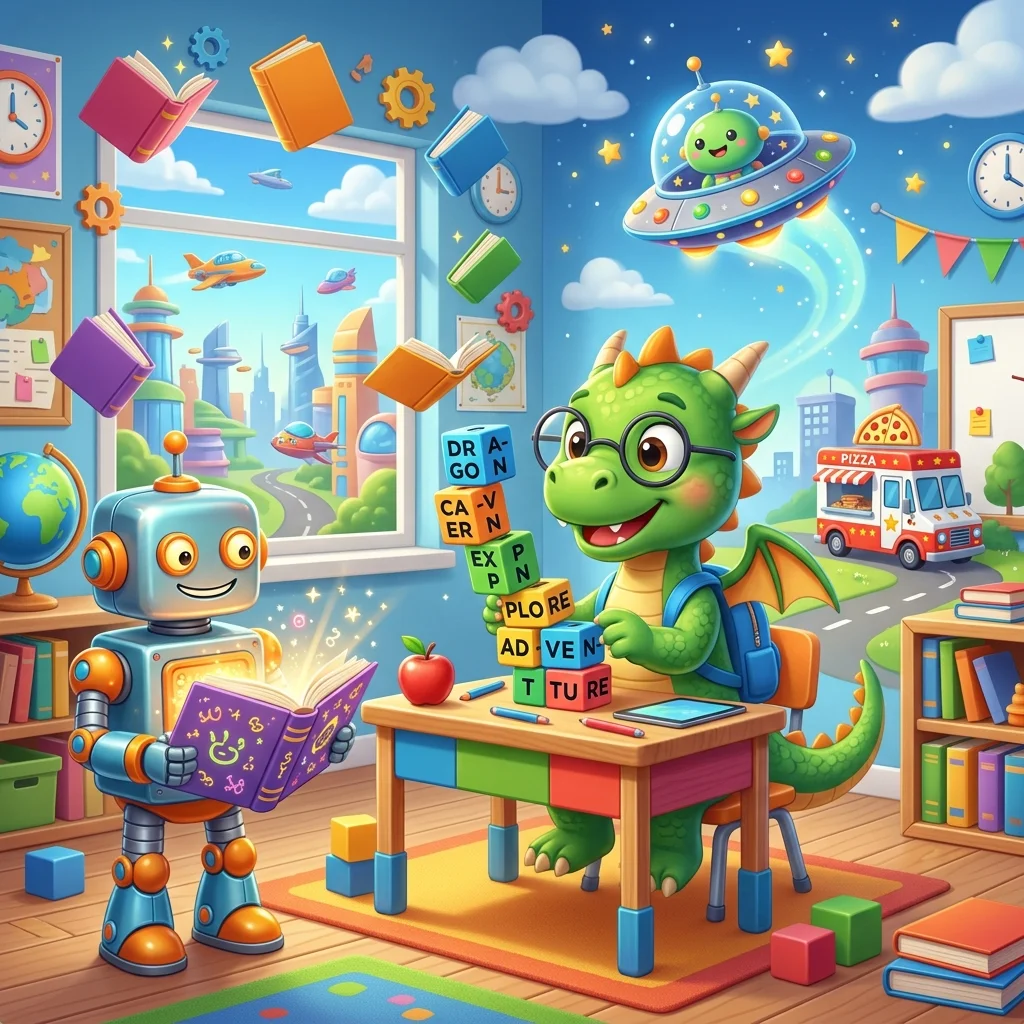
Traditional Friday spelling tests leave little room for multi-sensory practice during the week. Spelling Training on SpellTug turns any 10-to-30 word list into four seamless modes—Guided Practice, Online Audio Test, 2-Player Smartboard Battle, and a Printable Classroom Worksheet.
Four Grade Hubs + Editable Word Rows
Launch right into curated grade-appropriate word packs, or customize every row inline:
- Pre-K & Kindergarten (
nursery): Simple 3-letter CVC words (cat, dog, sun, duck, hat, bed) paired with picture clues and crisp audio. - Grade 1–2 Phonics (
primary): Dolch sight words and consonant blends (train, bread, green, house, clock, water) with sentence context. - Grade 3–5 Vocabulary (
middle): Multi-syllable words and silent letters (friend, because, rainbow, treasure, island). - Grade 6+ Spelling Demons (
high): Notoriously tricky double-consonant and silent-letter words (definitely, separate, necessary, calendar, rhythm).
Power Features Teachers & Parents Love
| Feature | What It Does | Why Kids Improve Faster |
|---|---|---|
| Turtle Slow Voice 🐢 | Slows spoken pronunciation clearly syllable by syllable | Helps emerging spellers & ESL learners isolate medial vowels and blends |
| Words Wizard Filters | Filters built-in dictionaries by grade, theme, length & patterns | Creates differentiated Tier-1, Tier-2, or challenge lists in seconds |
| Custom Image Upload | Upload PNG/JPG/WebP pictures alongside any word row | Connects personal class photos or science diagrams to target spelling |
| On-Screen QWERTY + Verification | Supports touchscreens, tablets & physical keyboards | Immediate green letter feedback strengthens orthographic memory |
Switching Seamlessly to 2-Player Smartboard Mode
Once students finish guided solo dictation, click 2-Player Battle Mode from any level hub. The arena flips into a Red vs. Blue smartboard typing race where classmates listen to spoken prompts and race on split-screen QWERTY boards to score tug pulls—turning rote spelling study into the highlight of Friday afternoon.
Quick Contrast: Want touch-friendly scrambled letter tiles instead of full QWERTY typing for Pre-K to Grade 2? Try the companion Spelling Test & Dolch Scramble tab right above the hub!
Spelling Training
Launch this interactive SpellTug game directly in your browser on any laptop, tablet, or classroom smartboard.
More SpellTug Game Guides
Explore rules, classroom tips, and step-by-step walkthroughs for other SpellTug games.
Spelling Test & Dolch Scramble: Tactile Letter Tiles for Early Elementary Learners
Animal Word Search & Custom Puzzle Maker: 7 Kids Themes & Printable Sheets
Body Parts (Teach & Test): Interactive Anatomy Vocabulary & Cut-and-Paste Sheets
About the Author: Shubham
Educator & Game Developer
Shubham is an educator and software engineer with a passion for gamifying learning. He created SpellTug to help teachers and parents use interactive digital games on smartboards and projectors to make learning collaborative, active, and fun for kids.
Learn more about our educational mission on the About Us page →Enjoyed this post?
Share it with your colleagues or explore more fun classroom games on SpellTug.
🎮 Play Games